Every SD card, one keystroke away.
- Type
- TUI Utility, Python
- Built with
- Python · TUI · ANSI · File System
- Year
- 2026
- Live at
- GitHub
§ 01
Overview
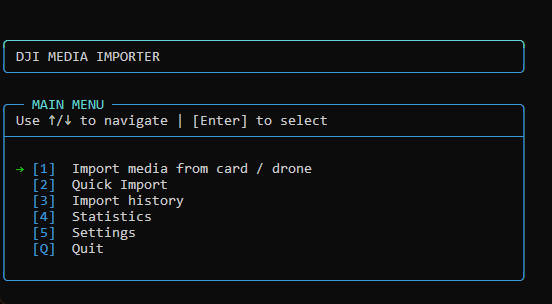
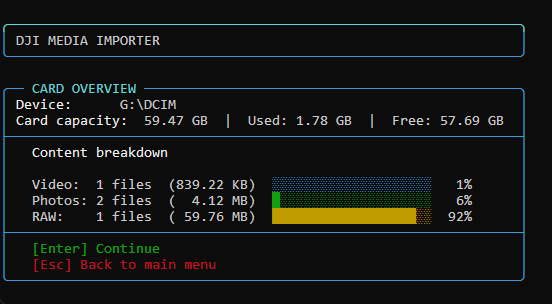
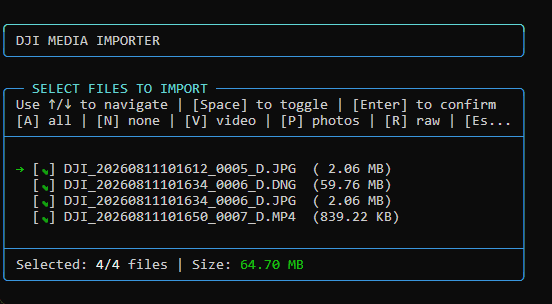
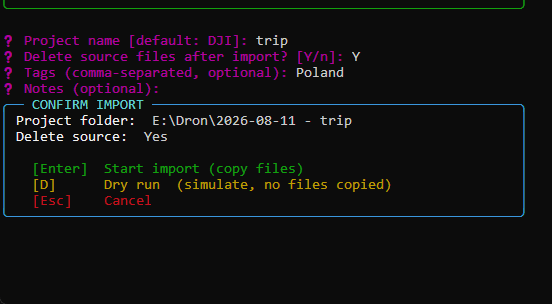
DjiMediaImporter watches for a DJI card's DCIM folder, auto-starting an import the moment one appears. It renders the whole flow with flicker-free ANSI redraws instead of screen clears, walks the pilot through a card overview and folder-structure preview before anything is copied, then streams files through a buffered copy with live speed and ETA tracking, MD5 verification on every file, and only deletes source media once the copy has been checked. It's built entirely on the Python standard library — no dependencies to install, nothing to break.
§ 02
What it does
- Live Detection & Dashboard
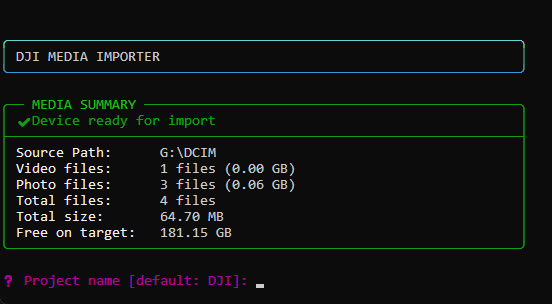
- A detection spinner watches for a connected card, then a capacity and content-breakdown dashboard previews exactly what's about to move.
- Verified, Resumable Copies
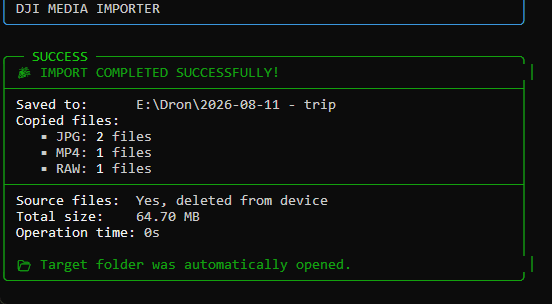
- Buffered copying with live speed/ETA, MD5 verification on every file, and resumable transfers that pick up where an interruption left off.
- Safe Source Cleanup
- A disk-space guard blocks imports that won't fit, and source files are only deleted after a full copy-and-verify pass succeeds.
- History, Tags & Themes
- The last 50 imports are logged with tags, notes and stats, and four color themes plus English/Polish language support are configurable in Settings.
§ 03 Screens
06Inside the app.

Next case study · 06Bali DomyWebsite, Next.js · 2026